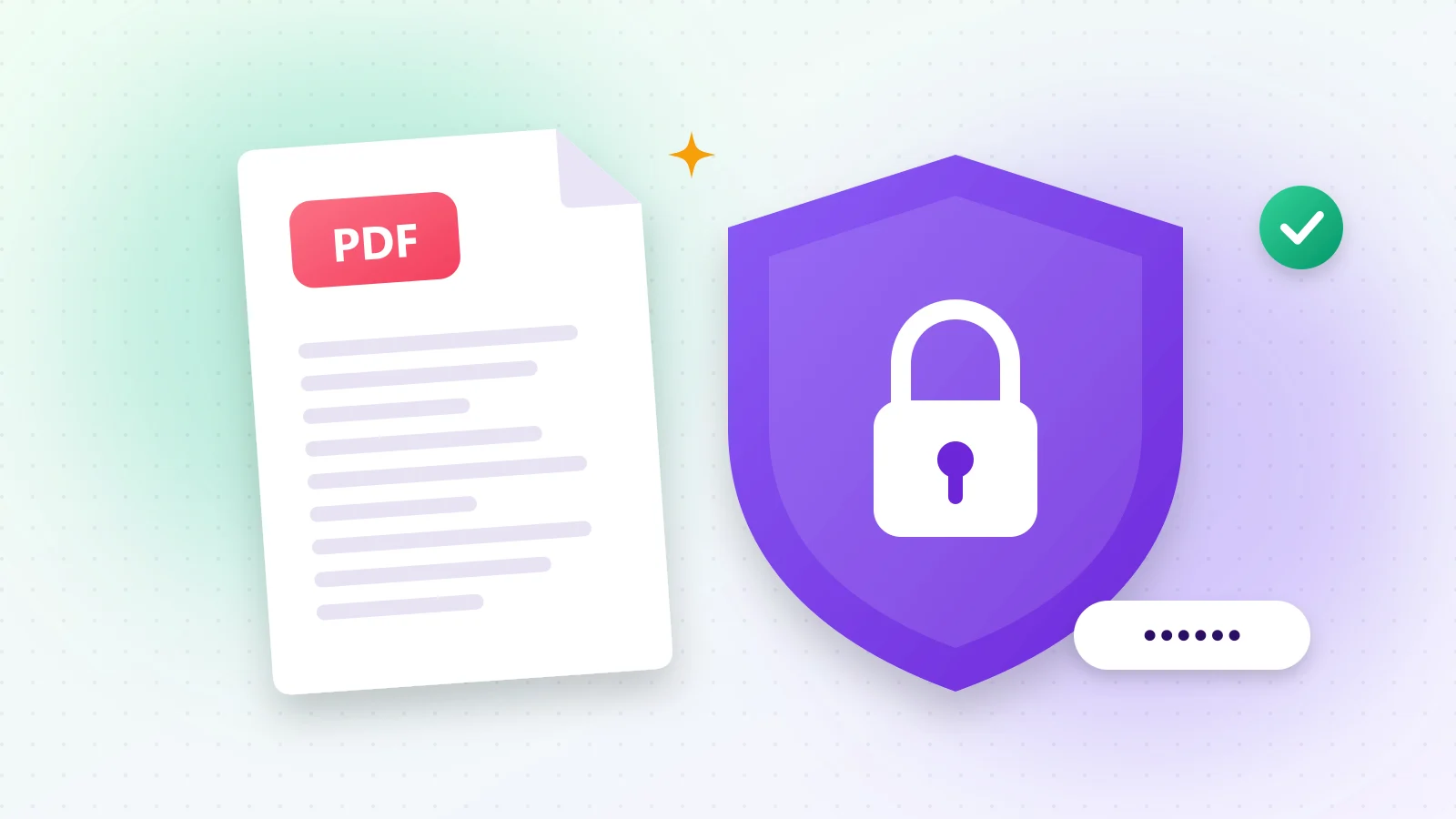
Bank statements, contracts, medical reports and HR documents should not be readable by anyone who happens to get the file. Adding a password encrypts the PDF: without the password, the content is unreadable.
01Protect a PDF in 3 steps
- 1Step 1Open Protect PDF and drop your file.
- 2Step 2Type a strong password and repeat it.
- 3Step 3Press Start and download the encrypted PDF.
Try it now
Protect PDF
Secure your PDF with a password.
02How to choose a strong password
- At least 12 characters, mixing words, numbers and symbols.
- Never reuse a password from your email or bank.
- Generate one in a second with Password Generator.
03Keep your document safe in other ways
- Add a visible "Confidential" mark with Add Watermark.
- Sign it digitally with Sign PDF before locking it.
- Lost the need for protection? Unlock PDF removes the password when you know it.
04Why encrypt in your browser?
Uploading a sensitive document to a website just to protect it defeats the purpose. Here, encryption happens on your own device, and the unprotected file never leaves it.
Frequently asked questions
There is no way to recover it — the encryption is designed to be unbreakable. Keep your password somewhere safe.
Standard PDF encryption that opens in Adobe Reader, browsers and all common PDF apps.
Yes, with Unlock PDF — you'll need to enter the current password.
Was this guide helpful?
You finished the guide!
Next guide: How to Translate a PDF Into Another Language