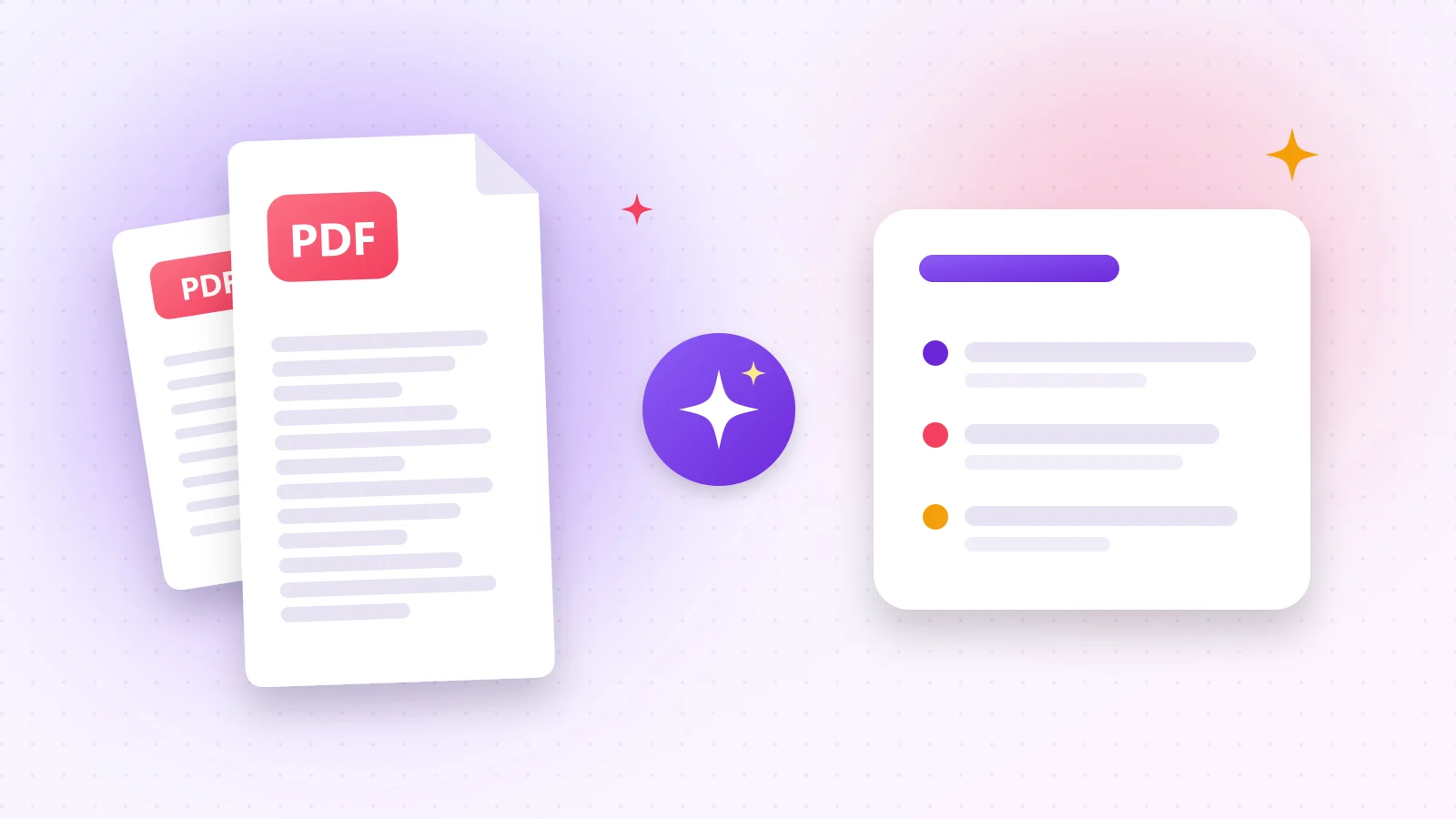
A 40-page report, a research paper or a long contract — you need to know what's inside, but you don't have an hour. An AI summary gives you the essentials in a few seconds, so you can decide what deserves a closer read.
01Summarize a PDF in 4 steps
- 1Step 1Open PDF Summary. Choose the summary language — it can differ from the document's language.
- 2Step 2Pick a style: bullet points, a flowing paragraph or key ideas with headings for numbers and dates.
- 3Step 3Choose short, medium or long, then drop your PDF or paste text.
- 4Step 4Read the result, copy it or download it as a Word document.
AI
Try it now
PDF Summary
Get a short summary of a long PDF.
02What makes a trustworthy summary
- It only uses information from the document — no invented facts.
- Names, numbers, dates and amounts are kept exactly.
- It starts with the single most important point.
03Ideas for using summaries
- Prepare for a meeting by summarizing the agenda documents.
- Skim research papers before deciding which to read in full.
- Turn a long English report into a short summary in your own language.
04Scanned documents
If your PDF is a scan, first make the text readable with PDF OCR. Need the whole text in another language instead? Use Translate PDF.
Frequently asked questions
Yes. Choose any of the 15 languages — the document can be in another language.
Long documents are handled by summarizing them section by section and combining the results.
Yes, with a fair hourly limit per visitor.
Was this guide helpful?
You finished the guide!
Next guide: Extract Text From an Image (Photo to Text With OCR)