Most phone videos have the same problem: a good start, a good ending and a long, shaky middle nobody wants to watch. The fix used to need a video editor. Now it takes a minute in your browser.
01Why edit video in the browser?
- Nothing is uploaded — the video is processed on your own device, so private clips stay private.
- No watermark, no account — download the result straight away.
- Works on phones — iPhone and Android browsers are supported.
02Remove the middle of a video in 3 steps
- 1Step 1Open Trim Video and drop your MP4, MOV or WebM file.
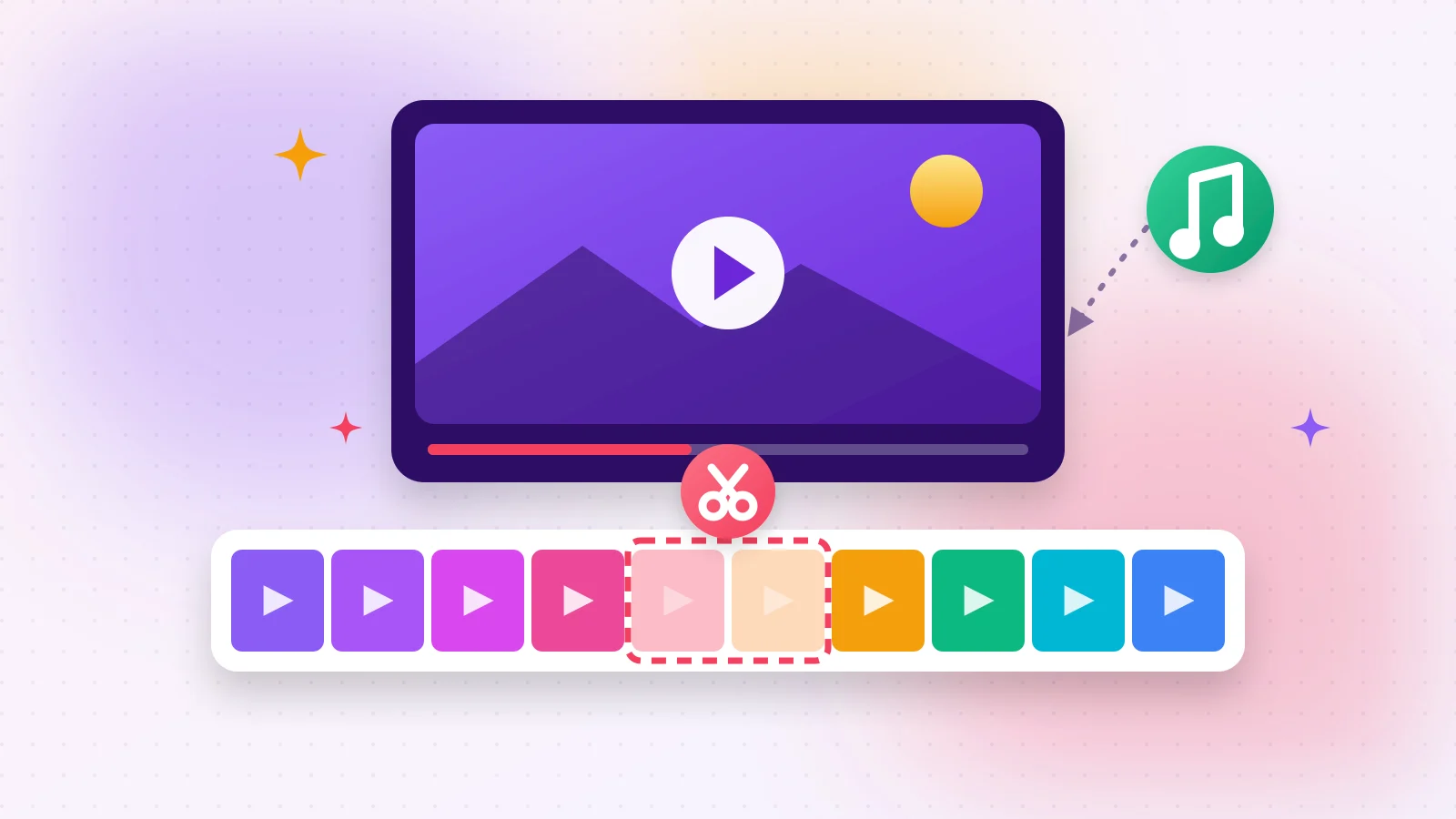
- 2Step 2Choose Remove selected and drag the coloured box over the part you want to delete. The film strip shows exactly what is inside it.
- 3Step 3Press Trim Video — the start and the end are joined into one clip.
03Fast or frame-accurate?
Fast cuts without re-encoding, so even long videos are ready in seconds; the cut starts at the nearest keyframe. Frame-accurate cuts exactly where you put the handle — use it for tight edits like removing a single sentence.
04Add music to your video
- 1Step 1Open Add Music to Video and drop the video.
- 2Step 2Choose an MP3, WAV or M4A file.
- 3Step 3Pick Replace original sound or Mix with original sound, set the volumes and press play — the preview is exactly what you will download.
- 4Step 4Loop short songs and fade the music out at the end with one tick each.
05Finish the job
- Too big to send? Shrink it with Compress Video.
- Need only the sound? Video to MP3 extracts it.
- Making a meme? Turn a moment into a GIF.
Frequently asked questions
Yes. In Trim Video choose Remove selected, mark the middle and the start and end are joined — all in your browser.
Fast mode copies the video without re-encoding, so quality stays the same. Frame-accurate mode re-encodes at high quality.
Yes. Choose Mix with original sound and set both volumes.
Files up to about 1 GB work; very long 4K videos need a powerful device.